
Survival Race
6,914
Survival Race is an adrenaline-pumping game where players compete in a hexagonal arena to stay alive. As you race, each tile you drive over collapses, making the game a blend of quick thinking and strategic planning. To survive, you need to perform sharp turns, timed jumps, and smart maneuvers. Knock other racers off the platform into dangerous areas such as water, lava, or acid to eliminate them. For every opponent you eliminate, you earn a golden crown, and you also collect coins and perform stunts to unlock new vehicles. The more you win, the harder the competition gets, so only the most skilled players can rise to the top and dominate the arena.
Recommended Games
★ 4.6
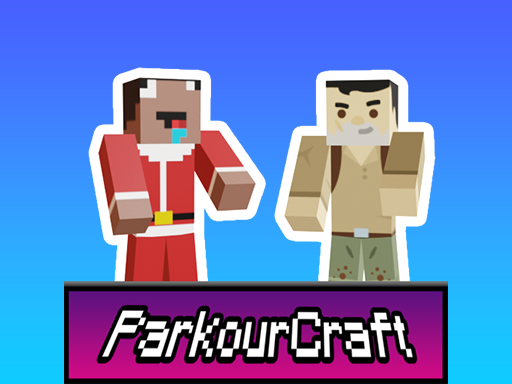
Parkour Craft Noob Steve
Mouse or right joystick - Adjust view WASD or left joystick - Move Space or jump button - Perform jump Action right click on screen - Interact with elements
5,208

★ 4.1
Dragonz Escape
for mobile use touch screen swiping for movement and tapping for actions for pc use arrow keys for movement and mouse clicks for interactions
5,565
★ 4.1
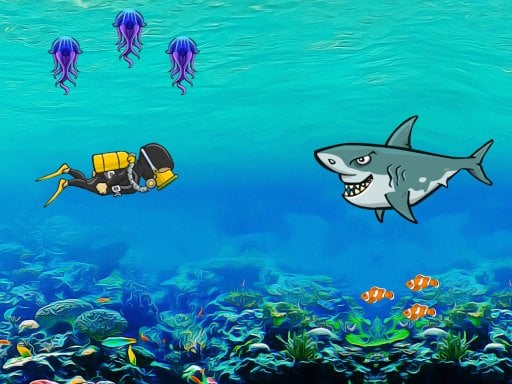
Search for Treasure 2
On mobile, tap to move your player, collecting coins while dodging sharks and jellyfish. On desktop, left-click to move, gather coins, and avoid hazards like sharks and jellyfish.
6,037
★ 4.5
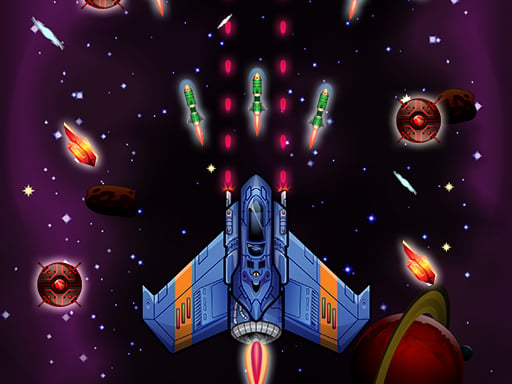
Galaxy Wars
Desktop: Click and hold the left mouse button, then drag to navigate. Mobile: Touch the screen and drag to move around.
5,766
★ 4.3
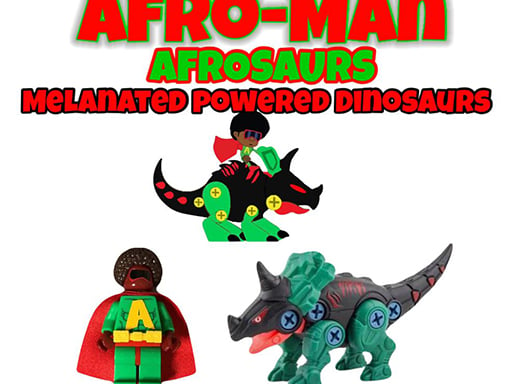
Afroman Dinofriends
Navigate using D for forward, A for backward, W to jump, and K to fire. These controls will help you enjoy the thrilling gameplay experience.
7,768

★ 4.2
Battle of the Battles
Click to place players, strategically positioning them across the map for optimal coverage and resource management. Each click assigns a player to a specific location, initiating their tasks and interactions with the environment and other elements within the game. Adjust placements as needed to adapt to changing conditions and challenges.
7,041
★ 4.5
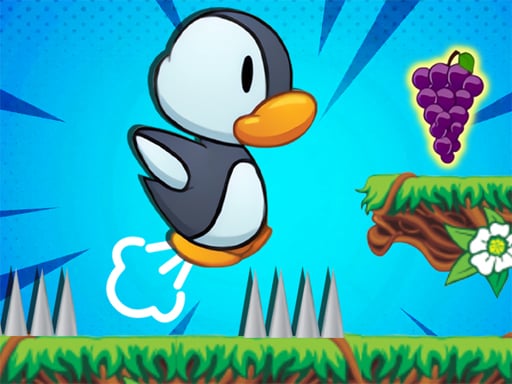
Penguin Adventure 2
In this game, on PC, use up and down arrows to jump and move downwards, and press J to throw bullets. For mobile devices, tapping the buttons moves your character.
4,577
★ 4.2
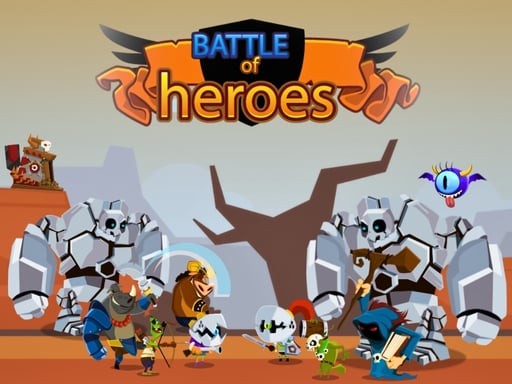
Battle Of Heros
Click on any available unit to place it on the field.
6,737

★ 4.2
Hole And Fill Collect Master
Click or tap on the screen to interact and progress through the game. Use these inputs to trigger events, select options, or control characters as indicated by on-screen prompts.
4,402
★ 4.0
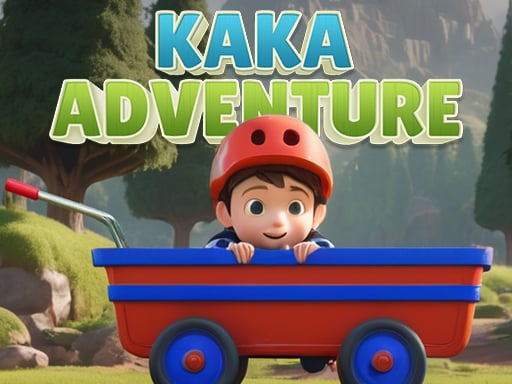
Kaka Adventure
Navigate using A and D keys or Left and Right arrows. Leap with Space, W, or the Up arrow key.
3,842
★ 4.3
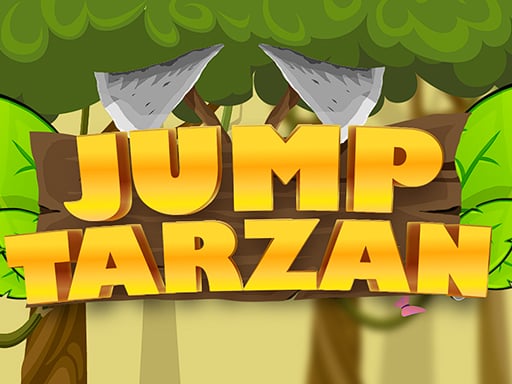
Jump Tarzan
Desktop: Click and hold the left mouse button to grab a vine, then release to swing to the next. Mobile: Tap and hold the screen to grab a vine, release your finger to swing to the next one.
6,186

★ 4.2
Hill Climb Race
On Desktop, press D to move right and A to move left. On Mobile, tap the corresponding arrow buttons on screen to control your car's direction.
6,492

★ 4.2
Nextbots on Minecraft Squid Game Sprunki
In this mode, players navigate through levels using only their computer mouse. Clicking on objects or areas within the game world triggers actions, movements, or interactions. This minimalist approach focuses entirely on precision and strategic clicking, enhancing spatial awareness and quick reflexes.
3,084
★ 4.2
Moto 3d Racing Challenge Game
Click or tap on the screen to interact and play. Use these inputs to navigate through the game, trigger actions, and engage with elements within the environment. This simple interface allows for intuitive and immediate gameplay experiences.
6,219
★ 4.1
Steve SurvivalCraft Easy
Use WASD or swipe to move. Tap P or press attack button to swing your sword and throw it. Double jump allows you to jump twice for better maneuvering.
6,088
★ 4.9
Bubbles Pop Challenge
Use mouse or touch to drag weapons and release them towards targets for attack.
4,064
★ 4.7
City Construction Games 3D
Navigate city construction in 3D using keyboard inputs to manage growth, design, and development efficiently.
6,745

★ 4.6
Raft Evolution
Movement uses WASD keys. Jump with the spacebar. Attack using the left mouse button. Select the hook tool with the right mouse button. Access inventory with T. Start crafting with Y. Cancel any building action using the right mouse button. Rotate buildings with Q.
4,642

★ 4.6
Toy Game For Kids
Click or tap on the screen to interact and progress through the game.
5,215